
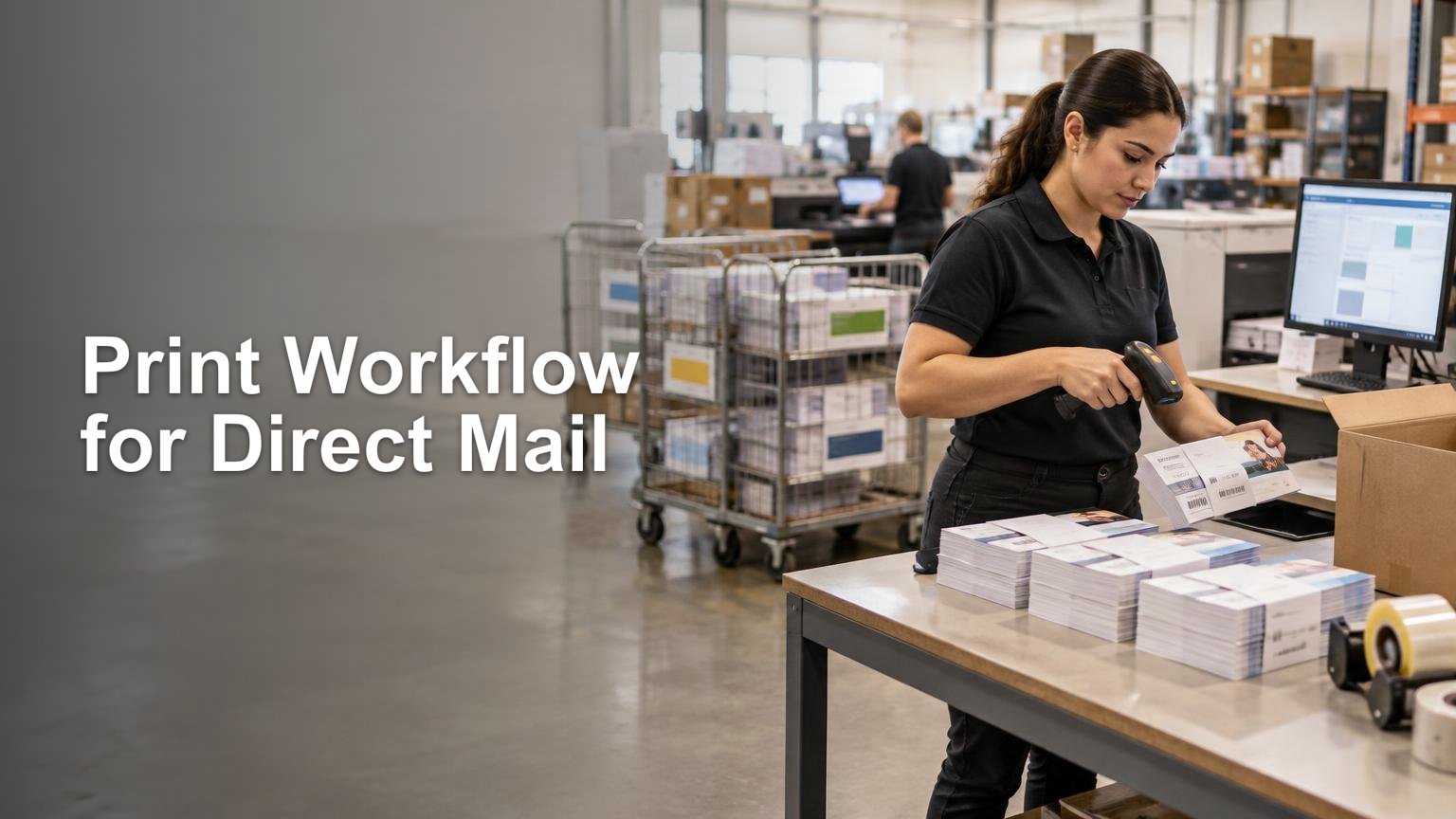
Direct marketing for small businesses: where print fits — Production and Fulfillment Workflow
Print fits small-business direct marketing when it gives a defined audience something concrete to notice, keep, redeem, or bring into a store. Postcards, menus, coupons, flyers, inserts, business cards, and packaging pieces can all do that job. The operational mistake is treating each campaign as a one-off print order instead of a controlled cycle with an audience, approved artwork, postal method, response path, production record, and measurement plan.
The right question is not whether print should replace email, search, social media, or local advertising. It is whether a physical piece can perform a specific role that those channels do not perform as well on their own. Print is especially practical for reaching a geographic service area, supporting an event or opening, placing an offer in customers’ hands, or reinforcing a campaign that continues through digital channels.
Choose the job print needs to do
Start with one campaign objective. A neighborhood restaurant may want nearby households to redeem a menu offer. A home-service business may want estimates from selected ZIP Codes. A retailer may want previous customers to return for a seasonal promotion. These are different jobs, even if all three use postcards.
Define the campaign in operational terms before choosing a format:
- Audience: carrier routes, named customers, prospects, event attendees, or existing buyers
- Action: scan a QR code, visit a campaign URL, call a tracked number, redeem a code, or bring in the printed piece
- Offer: the exact benefit, restrictions, and expiration date
- Timing: the intended in-home period and any event or promotion deadline
- Success measure: responses, qualified leads, redemptions, appointments, orders, or revenue matched to the campaign
This prevents the familiar failure mode in which the team debates paper stock and finishes before deciding who should receive the piece or what they should do with it. Format and finish matter, but only after the campaign job is clear.
Select route-based or named-recipient mail
For local saturation, USPS Every Door Direct Mail lets a business select carrier routes and deliver to every active address on those routes. The mapping tool supports filters based on Census-data factors such as age, household income, and household size. USPS presents EDDM as an option for local promotions including openings, sales, coupons, menus, flyers, and postcards. Pieces are addressed to “Postal Customer,” not to individual names.
EDDM Retail is designed for smaller-volume mailers. USPS states that a mailing must contain at least 200 pieces and may include up to 5,000 pieces per day per ZIP Code, without requiring a special mailing permit. It is not a drop-it-in-a-mailbox shortcut: the workflow still includes route selection, payment, facing slips, bundles, paperwork, and delivery to the Post Office serving the selected routes. USPS specifies bundles of 50 to 100 pieces and requires the applicable EDDM Retail indicia and flat-mail dimensions.
Named-recipient mail is the better fit when customer identity, purchase history, membership, or another legitimate audience rule matters. It also creates more data-control work. For mailings claiming commercial First-Class Mail presort or automation prices, or USPS Marketing Mail prices, USPS Move Update standards generally require addresses to have been updated through an approved method within 95 days before the mailing date. Approved methods include NCOALink, Address Change Service, and qualifying ancillary service endorsements.
| Campaign need | Likely starting point | Operational priority |
|---|---|---|
| Reach most households in selected neighborhoods | EDDM route-based mailing | Route selection, compliant piece design, bundling, and Post Office entry |
| Reach known customers or selected prospects | Named-recipient mailing | List source, address hygiene, suppression rules, and released list version |
| Support shipments or in-store activity | Package insert, card, coupon, or sticker | Correct version mapped to the order, location, or promotion |
| Combine physical and digital contact | Mailpiece with a tracked response path | Consistent offer, campaign identifiers, and coordinated follow-up |
Build one controlled campaign record
Recurring print becomes manageable when every release has a campaign record rather than a trail of disconnected emails and filenames. At minimum, retain the campaign ID, audience or route version, address-processing date and method where applicable, suppression rules, artwork version, offer version, quantity, mail date, postage class, response identifiers, and results source. This is an operational framework rather than a universal USPS-mandated schema. It follows the same version-control principle used in a small-business launch workflow: approved assets and handoffs should be visible before production begins.
Keep the audience, artwork, and offer as separate controlled components. Correcting a phone number should not silently replace the mailing list. Updating the audience should not revive expired artwork. If the campaign includes packaging stickers or inserts, map each version to the correct SKU, order rule, location, or date range. Teams already managing branded packaging can apply the same controls used for small-business packaging stickers.
Preflight for production and postal handling
Approval should cover more than appearance. Confirm finished size, bleed, safe areas, color setup, image quality, mailing-panel space, postal indicia, offer terms, response destination, and version identifiers. Test every URL, QR code, telephone number, and coupon code from the final proof—not from the marketing plan or an earlier draft.
If a format falls outside the shop’s established capabilities, document the finished size, stock, finishing, quantity, packing, and delivery requirements before sending it to a custom printing and print production provider. The handoff should identify which file is approved, who can authorize changes, and what constitutes a remake-worthy defect.
Do not confuse a customer-facing QR code with the Intelligent Mail barcode. A QR code can direct recipients to a response destination. The USPS Intelligent Mail barcode supports postal sorting, automation pricing, tracking, and mailstream visibility; USPS requires it for letters and flats claiming automation prices, with routing data that accurately matches the delivery address.
Measure the campaign without pretending attribution is perfect
USPS identifies campaign-specific URLs, personalized URLs, QR codes, dedicated telephone numbers, offer codes, and matchback analysis as ways to evaluate direct-mail response and conversion. Use one or more methods that match the customer action, and preserve the identifier with the campaign record.
These markers will not capture every influenced response. Someone may see a postcard and later search for the business, visit directly, or buy without using the printed code. USPS explicitly cautions that tracked response devices can miss this behavior. Report directly attributed results separately from broader changes in leads, traffic, or sales during the campaign period.
After each release, record delivered quantity where known, direct responses, redemptions, qualified leads, orders, revenue, returned mail, customer-service issues, and production exceptions. Then decide whether to repeat the campaign unchanged, revise one variable, change the audience, or stop. Changing the list, offer, format, and timing simultaneously makes the next result difficult to interpret.
Coordinate print with email responsibly
Print can introduce the offer while email supplies reminders, details, or follow-up, but the email portion remains subject to its own rules. The Federal Trade Commission’s CAN-SPAM compliance guide requires accurate routing information, non-deceptive subject lines, a valid physical postal address, an opt-out mechanism, and the honoring of opt-out requests within 10 business days. Hiring another company to send the email does not remove the business’s responsibility.
That makes suppression handling part of campaign operations, not an afterthought. Keep print audience rules, email permissions, opt-outs, and channel-specific exclusions visible so that a convenient combined export does not override the controls required for each channel.
Make the second campaign easier than the first
A useful direct-marketing workflow leaves behind more than a finished mailpiece. It creates a reusable campaign record, approved production files, documented postal preparation, tested response paths, and results that can inform the next release.
Frequently Asked Questions
When should a small business use EDDM instead of named-recipient mail?
Use EDDM to reach every active address on selected carrier routes. Choose named-recipient mail when customer identity, purchase history, membership, or another audience rule matters.
What preparation does EDDM Retail require?
EDDM Retail still requires route selection, payment, compliant pieces, facing slips, bundles, paperwork, and delivery to the Post Office serving the selected routes. USPS specifies 50-to-100-piece bundles and applicable indicia and flat-mail dimensions.
How current must addresses be for recurring named-recipient campaigns?
For mailings claiming qualifying commercial First-Class Mail or USPS Marketing Mail prices, Move Update standards generally require an approved address update within 95 days before mailing.
What belongs in a recurring direct-mail campaign record?
Keep the campaign ID, audience or route version, address-processing details where applicable, suppression rules, approved artwork and offer versions, quantity, mail date, postage class, response identifiers, and results source. This is a practical control framework, not a universal USPS-mandated schema.
Is a QR code the same as an Intelligent Mail barcode?
No. A QR code sends recipients to a response destination. The Intelligent Mail barcode supports postal sorting, automation pricing, tracking, and mailstream visibility.
How should a small business measure print campaign results?
Use campaign-specific URLs, QR codes, dedicated phone numbers, offer codes, or matchback analysis, then preserve those identifiers with the campaign record. Report direct responses separately from broader changes because tracked devices will not capture every print-influenced action.
References
- Every Door Direct Mail (EDDM) – Targeted Mail Marketing | USPS
- Move Update | PostalPro
- Home – Print on Demand Services
- Direct Mail Measurement and Attribution | USPS Delivers
- Intelligent Mail® Barcode | PostalPro
- 204 Barcode Standards | Postal Explorer
- United States Postal Service
- CAN-SPAM Act: A Compliance Guide for Business | Federal Trade Commission