How to Create a Dedicated Remake Workflow Without Hiding Reprint Cost
A reliable print remake workflow should move failed work quickly without making it disappear. Create a linked remake record, give it an explicit disposition and due date, route it through the production stages it actually needs, and record its labor, material, machine time, waste and shipping separately. The original job history stays intact. The customer may pay nothing for the replacement, but the shop still sees what it cost.
This distinction matters because an urgent remake can otherwise become an undocumented interruption: someone waves a damaged piece at a supervisor, a press operator squeezes it into the next run, finishing receives an unexplained partial quantity, and accounting sees no corresponding cost. The customer may be made whole, but the operation learns nothing and understates the load placed on its equipment and people.
Treat the defect report and remake authorization as different events
A reported problem is not yet an authorized remake. First record the nonconformity: what was expected, what was observed, how much product is affected and where the issue was found. Then assign an authorized disposition. ISO/IAF guidance for nonconforming service outputs distinguishes the reported issue from decisions such as replacement, termination or an alternative remedy. It also emphasizes identification, segregation and feedback for corrective action. ISO/IAF guidance on nonconforming service outputs
That separation prevents three common errors: reproducing work before responsibility and scope are understood, remaking the full order when only part failed, and confusing production work with a commercial remedy.
| Term | Operational meaning | Typical next action |
|---|---|---|
| Defect or nonconformity | The observed result does not meet an approved requirement | Document, contain and review |
| Rework | The existing unit can be corrected | Route to the required correction step |
| Remake or reprint | New production is required for some or all of the quantity | Create a linked production record |
| Reshipment | Acceptable product needs another shipment | Create a logistics task without manufacturing |
| Credit or refund | A commercial remedy is approved | Route to customer service or finance |
Use one controlled intake form for internal discoveries and customer reports. Capture the original order and line item, SKU or version, affected quantity, defect description, photographs when useful, discovery point, reporter, requested deadline and current location of the questionable goods. Place physical pieces in a clearly identified hold area until the disposition is decided.
Create a linked job instead of reopening or overwriting the original
Once a remake is approved, create a new production record linked to the original order. Do not reset the completed job to “in production,” alter its produced quantity or erase its original completion timestamps. Print workflow standards support lifecycle job tickets, phase statuses, produced quantities, waste, work in process and costing information. Using those capabilities to represent a remake as a linked child record is a practical system design, not a mandatory JDF rule. CIP4’s overview of lifecycle job tickets
The remake record should inherit only controlled information: customer and ship-to data, product specification, approved artwork version, substrate, color settings, finishing recipe, packing instructions and reference samples. It should receive a new job identifier, authorization owner, affected quantity, reason code, priority, due date and cost treatment.
This structure preserves three truths at once: the original order was produced, some output failed or was lost, and additional work was required. It also allows several remake attempts to remain visible rather than collapsing them into one deceptively clean order history.
Route the remake through only the stages it needs
A dedicated workflow does not require a completely separate factory inside the factory. It requires a visible exception path through shared resources. The remake should skip irrelevant stages but never bypass a control merely because it is urgent.
- Triage and authorize: verify the failure, affected quantity, disposition, owner and requested recovery date.
- Confirm the production specification: compare the remake ticket with the approved version, material, dimensions, color requirements, finishing and pack-out rules.
- Preflight the actual remake file: confirm that the correct artwork and output condition are attached, especially when artwork caused or contributed to the failure.
- Queue setup: reserve the substrate, tooling, imposition, machine recipe and reference sample needed at the assigned work center.
- Produce and record: capture good quantity, waste, setup time, run time, operator and interruptions against the remake record.
- Finish and inspect: route the work through cutting, coating, laminating, folding, binding or other required operations, with a defined acceptance check.
- Pack and ship: reconcile replacement quantity, packing method, address, service level and tracking information.
- Close and review: record the final cost, cause category, corrective action status and disposition of the failed goods.
File-related remakes deserve particular care. Adobe states that Acrobat Preflight profiles can combine checks and fixups, identify errors that must be corrected before the next stage, and generate PDF, text or structured XML reports. A saved report can become part of the remake record rather than leaving preflight as an undocumented “looks fine” decision. Adobe’s documentation for Acrobat Preflight profiles
For a broader prevention system, connect this exception path to quality-control checkpoints that reduce avoidable reprints. The goal is not to burden every remake with every possible inspection. It is to restore the controls relevant to the failure.
Use a real queue with explicit states and block reasons
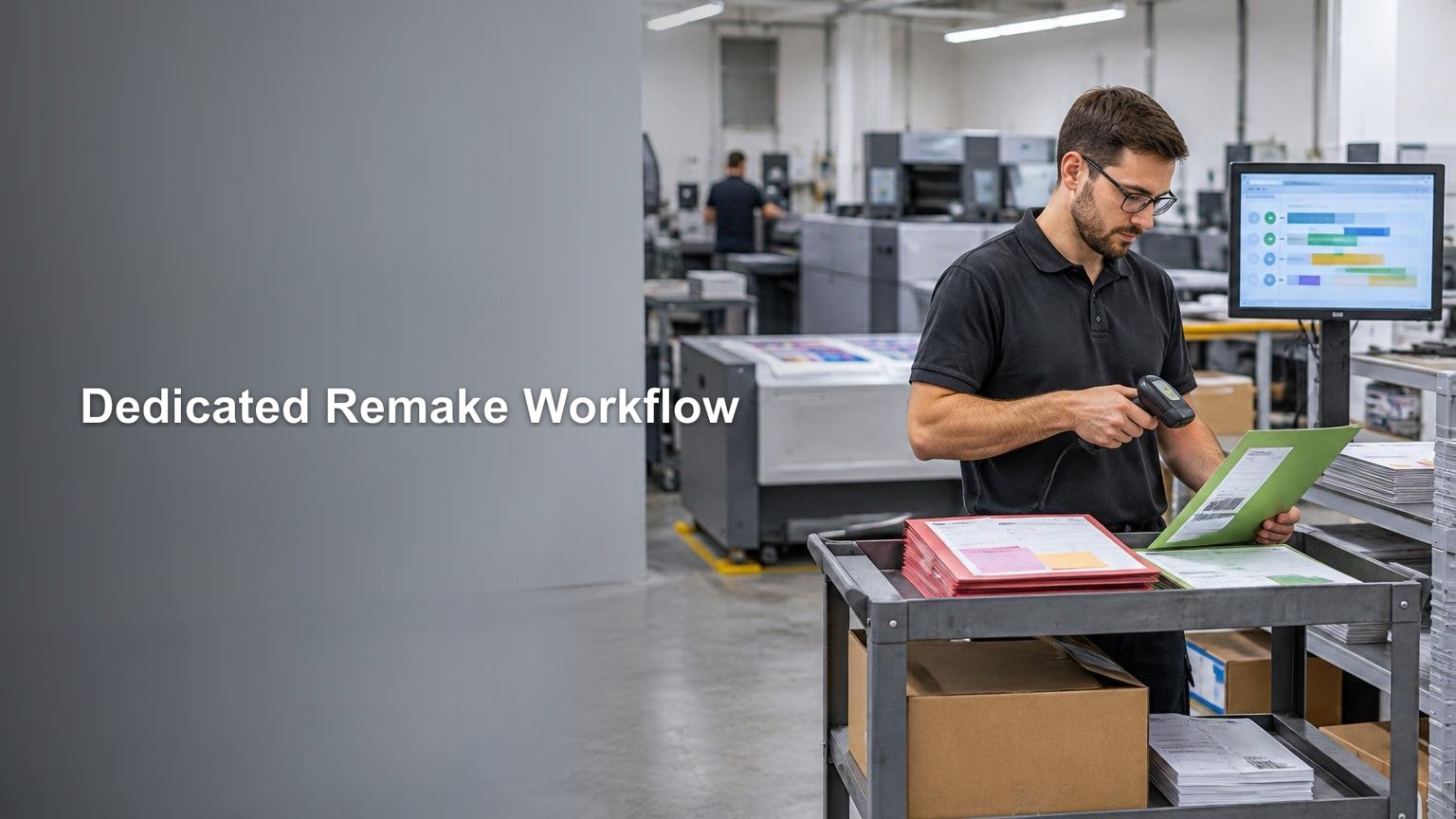
A remake lane hidden in email, chat or a supervisor’s memory is not a queue. Give authorized remakes a visible board or system view. Each record needs its current phase, assigned work center, owner, quantity, due date, last status change and block reason.
Useful status names include awaiting authorization, awaiting file, awaiting material, ready for setup, in setup, running, in finishing, awaiting approval, ready to ship, shipped and closed. CIP4 workflow materials describe operational device states such as idle, setup, running, cleanup, stopped and down, with more detailed conditions including failure, maintenance, output-area-full and wait-for-approval. These concepts provide a sound basis for separating active work from blocked work.
Do not use “on hold” as a complete explanation. Require a reason such as missing approval, material shortage, equipment failure, specification conflict or customer response needed. A named block reason tells the next person what must happen; a generic hold merely reports that nothing is happening.
Set due dates without turning every remake into top priority
A remake needs a recovery commitment, but “rush everything” is not a scheduling policy. Record three dates: when the issue was reported, when the disposition was authorized and when acceptable replacement goods must leave the shop. That timeline exposes authorization delay separately from production delay.
Define escalation rules according to customer impact. A remake holding an entire order, event date or installation can outrank one replenishing spare stock. A partial replacement that can ship with the balance may follow a different rule. The scheduler should see the remake beside ordinary work at each shared constraint, because inserting it ahead of another job consumes real capacity even when no invoice is issued.
Avoid an unlimited priority flag. A practical hierarchy might distinguish line-down or event-critical recovery, committed customer recovery, and routine replacement. Within each class, schedule by the promised ship date and queue age. If inserting a remake will make another job late, record that conflict instead of hiding it.
Track cost even when the replacement is not chargeable
Chargeability and production cost are different fields. A shop may decide not to charge the customer while still recording every resource consumed. CIP4 examples distinguish work type from cost type and support production quantities, phase waste and job-costing data.
- Material consumed, including replacement substrate, ink, toner, coating, laminate and packaging
- Setup labor and machine setup time
- Production labor and run time
- Waste generated during setup and production
- Finishing labor, consumables and outsourced operations
- Inspection, repacking and administrative handling
- Incremental freight, including upgraded shipping when applicable
- Supplier credits, carrier recoveries or customer charges recorded separately from gross remake cost
Do not post remake consumption as ordinary waste on the original job or assign zero cost because the sales price is zero. Preserve gross operational cost, then record who bears it as a separate decision. That produces a defensible view of internal failure, customer-driven change, supplier recovery and carrier-related expense without rewriting production history.
Make work in process and bottlenecks visible
The remake board should answer operational questions without a meeting: How many remakes are awaiting authorization? Which work center owns the oldest one? How many are blocked for files or materials? Which promised ship dates are at risk? How much remake work is sitting in finishing?
Timestamped queue entries and phase changes make it possible to calculate queue age, dwell time, oldest-job age, station backlog and late-remake count. Those measures are operational inferences from the status, quantity, waste and costing concepts supported by print workflow systems.
Review the flow by stage, not only by total remake count. A small press queue paired with a large cutting backlog means more press speed will not solve the recovery problem. Repeated waiting for approval points to an ownership or handoff issue. Long setup dwell may justify grouping compatible remakes, provided batching does not violate recovery dates. The same visibility principles used to measure setup and expose production constraints apply to remake work.
Close the job with a cause, not just a tracking number
Shipping the replacement resolves the immediate order, but it does not complete the operational loop. Assign a root-cause category only after enough evidence exists. Useful categories can cover intake or specification errors, artwork and approval issues, preflight misses, output settings, materials, equipment or process failures, finishing, fulfillment, carriers, suppliers and customer changes. This is a practical taxonomy rather than a universal ISO classification.
Keep the observed defect separate from the suspected cause. “Color outside tolerance” describes what happened; “wrong output profile selected” proposes why. That distinction reduces premature blame and makes trend reporting more useful. ISO/IAF guidance supports collecting nonconformity data and feeding it to the appropriate management level for corrective action.
Review remake data by cost, frequency and customer impact. A rare, expensive equipment failure may deserve immediate engineering attention. A frequent low-cost labeling error may justify a barcode check or pack-station control. The most common defect is not automatically the most important problem.
The operating standard to implement
Start with a simple rule: no replacement production begins without a documented issue, authorized disposition and linked remake record. Then require a visible queue, explicit status, owner, affected quantity, recovery due date, relevant production controls and separate cost capture.
Connect the remake path to the shop’s normal order-to-tracking production workflow, but preserve the exception as its own record. That gives the floor a fast route for recovery while giving management honest data about capacity, failure cost and recurring causes. A good remake workflow does not make mistakes look smaller. It makes the work required to correct them visible enough to manage—and eventually prevent.