Packing Station Workflow for Ecommerce Print Orders
A packing station for ecommerce print orders should be treated as a controlled data checkpoint, not merely a table with boxes and tape. Its job is to confirm that the physical products, customer order, shipment record, and carrier label all describe the same transaction.
The reliable workflow is straightforward: release only production-complete orders, identify the order, scan each required item, resolve mismatches before sealing, create the shipment against the correct fulfillment lines, and reconcile the parcel after carrier handoff. Every scan or status change should move one known record forward rather than create another disconnected record.
Define the data contract before arranging the station
Packing problems often begin upstream. A storefront variant may have a missing SKU, an order may be split between facilities, or production may use an artwork name that the fulfillment system cannot connect to a sellable item. The packer then has to interpret incomplete information while an order is waiting.
Create a data contract that specifies which system owns each field and how identifiers move between the storefront, production system, packing interface, shipping software, and accounting or reporting tools. At minimum, the workflow needs a stable order identifier, fulfillment identifier, location, SKU, quantity, production job, artwork version, QC state, shipping service, package identifier, and tracking record.
| Record or field | Operational purpose | Control rule |
|---|---|---|
| Order and fulfillment IDs | Connect the parcel to the correct customer order and shipment | Never use a customer name as the primary identifier |
| SKU and quantity | Define what the packer must verify | Reject blank, duplicate, or unmapped production SKUs |
| Artwork or version ID | Connect the finished print to the approved file | Preserve the version used by production |
| Production and QC state | Control eligibility for packing | Release only completed, accepted units |
| Location | Identify the facility responsible for the shipment | Do not assume the storefront order belongs to one location |
| Package and tracking IDs | Connect the sealed carton to its carrier record | Create one traceable relationship for each parcel |
This contract matters when orders are routed or divided. Shopify, for example, routes orders according to configured location rules and inventory availability, and it can split fulfillment when one location cannot fulfill the entire order. Shopify’s location fulfillment documentation explains that routing behavior. A fulfillment represents one or more line items, so completing one shipment does not necessarily mean that every item on the customer order has shipped.
If storefront translation is the weak point, establish the field mapping before changing the packing process. The related guide to mapping Shopify orders into print production covers the relationship among fulfillment lines, SKUs, artwork, production recipes, and shipments.
Use SKUs for identity and barcodes for verification
A SKU is the operation’s internal item code. A barcode is a scannable representation of an identifier. They can work together, but they are not automatically interchangeable. Define exactly what each barcode encodes and what the packing application should retrieve when it is scanned.
The same sellable variant should use a consistent SKU across locations while inventory remains tracked separately for each location. Duplicate SKUs, case differences, and mismatches between systems can interfere with inventory synchronization and third-party integrations. Normalize these values before production rather than asking packers to recognize aliases.
Barcode verification is only useful when labels scan reliably. Size, clear space, print quality, and placement can affect scanning, according to the GS1 US barcode placement and printing guidance. Keep barcodes away from seams, folds, reflective obstructions, and other areas that make the scanner angle unpredictable.
Build the station around a fixed scan sequence
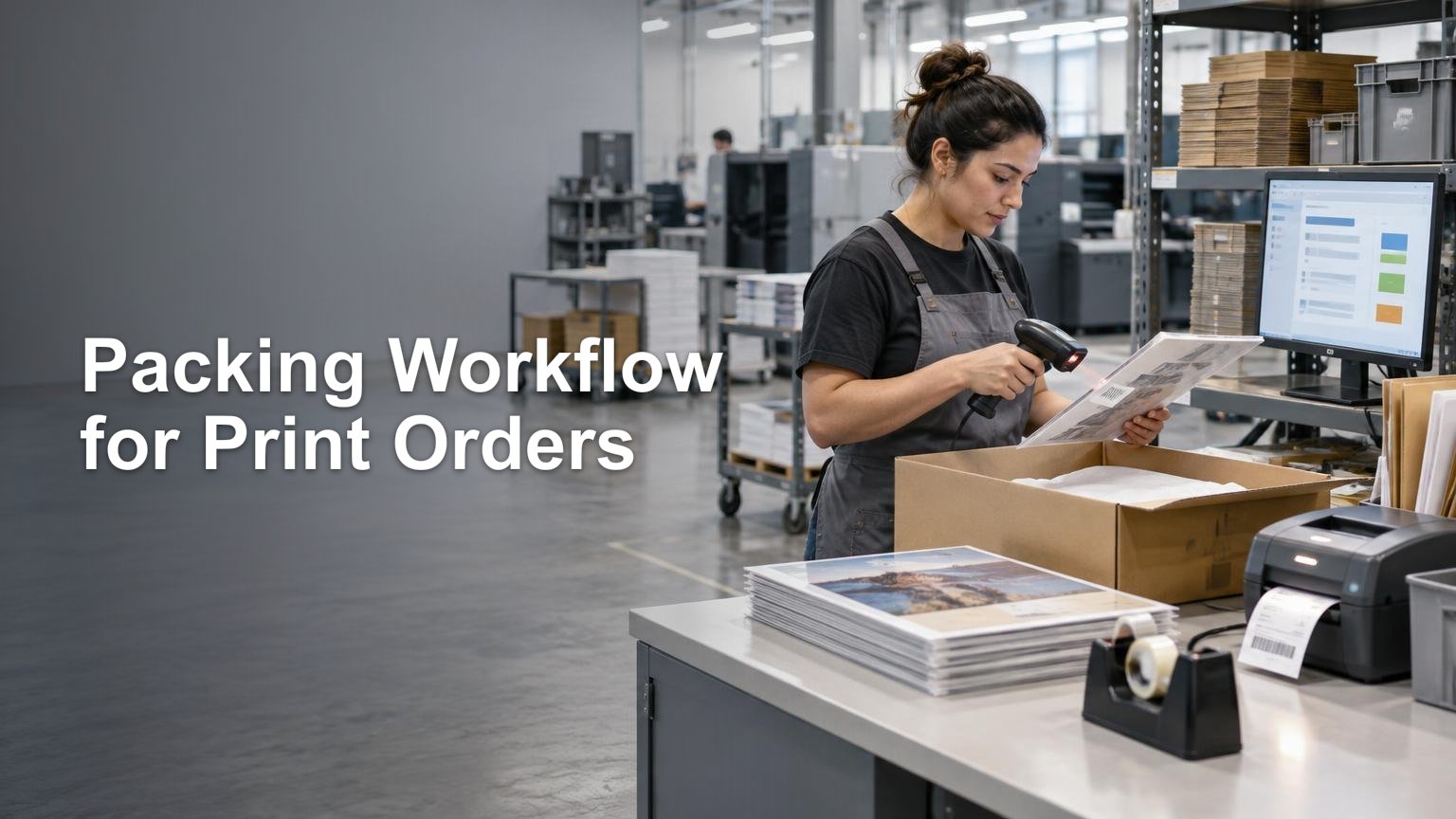
The interface should tell the operator what to do next and stop progress when an expected condition is missing. A practical pack sequence is:
- Scan the order, tote, or batch identifier to open the correct fulfillment record.
- Confirm that production and QC are complete for every line assigned to this station.
- Scan each physical item. Increment the packed quantity only after a valid scan.
- Compare scanned quantities with required quantities and block incorrect, excess, or unrecognized items.
- Add the defined inserts, protective materials, or packaging components.
- Choose or confirm the package type, weight, dimensions, service, and destination.
- Generate the carrier label against the current fulfillment and package record.
- Scan the package or label once more before sealing to prevent label swaps.
- Close the parcel and move it to a carrier-specific staging location.
Shopify’s batch-fulfillment tools illustrate this control model with configurable Pick, Print, and Pack stages. Its documented item-verification process signals correct scans and flags incorrect or excess scans. The specific software is less important than preserving the same logic: identify, verify, block discrepancies, label, and stage.
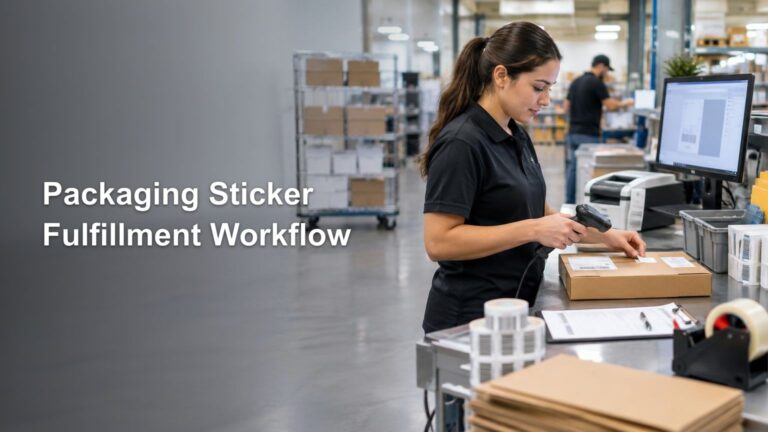
Packaging components that vary by product or campaign need the same discipline as the printed merchandise. Fixed placement, replenishment rules, and pack-station triggers are covered in the workflow for packaging stickers used with ecommerce orders.
Keep production states separate from fulfillment states
A storefront fulfillment status is not a complete print-production model. Shopify’s published fulfillment-order states include open, in progress, on hold, incomplete, cancelled, scheduled, and closed. They do not directly represent events such as preflight failure, awaiting blanks, print defect, QC hold, or remake.
Maintain an internal status map rather than forcing unlike events into one field. Internal production states should determine whether work is printable or packable; commerce fulfillment states should describe responsibility for shipping the order; shipment events should describe what happened to the parcel.
For example, a print defect should move the affected line to a QC hold or remake queue. It should not be marked fulfilled, and it should not disappear from the active workload. When the replacement passes QC, the same order and fulfillment-line relationship should remain intact. A broader ecommerce print-production workflow can help align these events from payment through tracking.
Treat label creation and carrier acceptance as different events
Printing a label proves that a shipping record was created. It does not prove that the parcel entered the carrier’s network. Fulfillment records can hold carrier, tracking number, and tracking URL data, while shipment events can separately represent label purchase, pickup, transit, delay, delivery, or failure.
Keep parcels grouped by carrier and service after packing. At handoff, capture evidence appropriate to the carrier process. For USPS shipments, a Shipment Confirmation Acceptance Notice form uses one master barcode for associated eligible packages. When USPS scans it, those packages receive a Shipment Accepted event showing entry into the mailstream. USPS domestic mailing requirements describe this acceptance process.
The operational rule is simple: “label created,” “staged,” and “accepted by carrier” must remain distinct. Otherwise, a parcel can sit on a dock while the customer-facing system suggests that shipping has progressed further than it has.
Create exception lanes instead of workarounds
A packing station should have named exception paths for missing items, excess items, failed scans, damaged prints, wrong artwork, address holds, label failures, and cancelled orders. Each path needs an owner, a visible state, and a condition for returning the order to normal flow.
Do not let the packer bypass verification and leave a note for someone else. Move the affected order to an exception queue while preserving its scans and history. If an order is removed from a batch, verify its underlying fulfillment state separately; in Shopify’s batch workflow, removing an order from the batch does not itself change its fulfillment status.
Reconcile physical parcels against system records
Track exception counts by reason rather than relying only on total throughput. Repeated unknown-SKU scans point to catalog governance. Frequent missing-item holds may indicate production staging failures. Label swaps suggest that final package verification is too far from label application. The purpose of these measures is to identify the system defect behind the packing error.
Make the packing station the final controlled handoff
The best packing station workflow does not depend on an experienced operator remembering which screen, artwork name, or carton belongs to an order. It carries reliable identifiers from the storefront through production, QC, packing, shipment creation, carrier acceptance, and reconciliation.
Start by documenting the data contract and status map. Then enforce one scan sequence, create explicit exception lanes, and reconcile every carrier handoff. Once those controls are stable, faster equipment and larger batches can increase throughput without making the operation harder to trace.
References
- Shopify Help Center | Setting up order fulfillment for locations
- fulfillment – GraphQL Admin
- Shopify Help Center | Using SKUs to manage your inventory
- Barcode Placement & Printing Guidelines | GS1 US
- Shopify Help Center | Fulfilling your orders in batches
- FulfillmentOrderStatus – GraphQL Admin
- FulfillmentEventStatus – Customer API
- Requirements and Standards for Sending Domestic Mail