DoorDash-style business stickers and delivery packaging — Production and Fulfillment Workflow
A DoorDash-style packaging system is not primarily a visual branding exercise. It is an order-control system built around five functions: identifying the order, checking its contents, sealing the package, staging it correctly, and confirming the handoff. Business stickers support that system, but they should not be asked to do every job at once.
For most operators, the practical setup is a branded packaging label, a separate tamper-evident seal, and a variable order ticket or label. Keeping those functions separate makes reordering easier, reduces pack-station confusion, and allows branding to remain consistent while customer and order data change on every transaction.
Treat “DoorDash-style” as a workflow, not a design to copy
The useful model is the delivery sequence rather than DoorDash’s colors, logo, or visual assets. DoorDash advises merchants to assemble orders against the ticket, check items and accompaniments, secure sauces and drinks, seal the package, organize pickup, and confirm completeness at handoff. Its guidance also recommends attaching the printed ticket and placing the customer name prominently on the bag. DoorDash’s restaurant delivery guidance
That sequence can be adapted to an independent restaurant, bakery, meal-prep service, convenience retailer, or other local-delivery operation without making the packaging resemble official DoorDash material. DoorDash provides certain stickers and signage to participating merchants, but that availability does not establish a general right to reproduce its trademarks or artwork independently.
Assign one job to each packaging component
| Component | Operational job | Typical information |
|---|---|---|
| Business or logo sticker | Provides consistent brand identification | Logo, business name, short message or contact destination |
| Tamper-evident seal | Shows whether the checked package has remained closed | Brand mark, seal message or handling instruction |
| Order ticket or variable label | Connects the package to the transaction | Customer name, order number, item count or pickup identifier |
| Carrier label | Routes a parcel through a postal or carrier network | Address, postage, tracking and machine-readable routing data |
A branded sticker is reusable across many orders. An order label is transaction-specific. A tamper-evident seal controls closure after the contents have been checked. Combining all three roles into one label may appear economical, but it creates avoidable dependencies: a branding change affects order production, variable printing becomes more complicated, and the closure point may be a poor place for readable customer information.
Build the pack-station sequence around the ticket
The pack station should use a fixed sequence that can be trained, observed, and audited. A workable flow is:
- Release the order to production with one reliable order number.
- Assemble products and accompaniments against the ticket.
- Separate and secure drinks, sauces, or other spill-prone components where applicable.
- Perform the completeness check before closing the package.
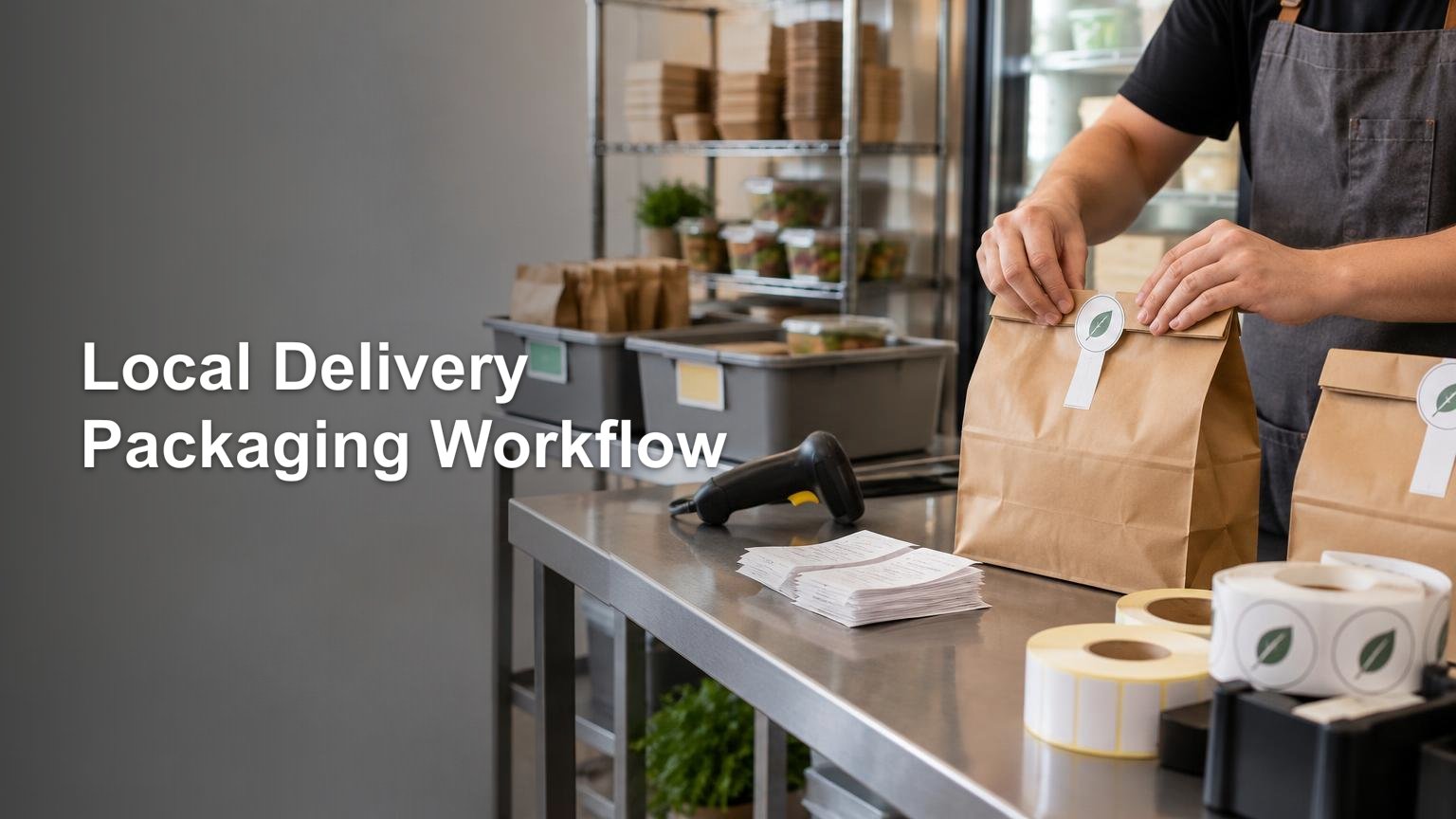
- Attach the variable order ticket or label in the designated identification area.
- Close the package and apply the tamper-evident seal across the opening.
- Complete a final visual check for identification, closure, and package condition.
- Stage the order by a consistent identifier, such as order number or pickup time.
- Confirm the identifier at handoff rather than relying only on package appearance.
This reflects the controlled sequence in DoorDash’s merchant materials: check first, seal after checking, identify the package clearly, and verify it again at handoff. DoorDash’s order-accuracy guide distinguishes the tamper-proof sticker from the printed ticket and customer-name identification.
If orders originate in ecommerce or POS software, map the order identifier into the production record rather than retyping it at the pack station. DoorDash states that compatible POS integrations can route delivery tickets into an existing workflow, although the available integration depends on the operator’s system. The same control principle applies to a custom workflow: preserve one identifier from order acceptance through staging and handoff. The broader data-mapping logic is covered in the Shopify-to-production order mapping workflow.
Specify stickers for the actual package and station
Choose the label format only after defining the package surface, closure geometry, application method, storage conditions, and expected daily volume. Roll labels can support quick, repeated application at a fixed station, while sheets may be practical for lower volumes or multiple designs. CustomStickers.com describes its roll labels as intended for packaging and resistant to water and oil, and its sheet labels as designed to tolerate oil, water, heat, food contact environments, and refrigeration; treat these as supplier claims and validate the selected construction against the actual package.
When sourcing custom stickers or labels, customstickers.com is one available production destination. Request the correct format for the applicator or manual station, then run a small production trial before ordering replenishment quantities.
The trial should use filled packages rather than clean, empty samples. Check whether the sticker adheres after normal handling, bridges the closure reliably, remains readable, and releases cleanly from its liner at working speed. Include refrigerated, warm, oily, coated, kraft, or textured packages if those conditions are present in the operation. Record the approved material, dimensions, winding or sheet orientation, artwork version, and application position in the SKU specification.
Keep local-delivery labels away from postal routing labels
A package used for local courier handoff may later enter a postal workflow for another sales channel. When that happens, the carrier label becomes the controlling routing component. USPS says an online postage label with an error should be reprinted rather than manually altered. It also requires the label to be fully placed on the address side without being folded, bent, or overlapped. USPS Click-N-Ship guidance
USPS packaging standards also require mailpieces to retain their integrity and keep required markings visible, with cushioning for fragile contents and bracing for heavy contents where needed. Those postal rules apply when the package enters the mail; they are not requirements for a local DoorDash food-delivery order. Reserve a carrier-label zone on any package that may serve both channels, and keep decorative stickers and closure seals outside that zone.
Control replenishment before the station runs out
Treat each printed component as an inventory item with an owner, approved version, reorder point, and storage location. A simple reorder point can be based on average daily use multiplied by replenishment lead time, plus a buffer for demand variation. That is an operating calculation, not a universal quantity; use the shop’s actual consumption and supplier lead time.
Count branded labels and tamper seals separately because their usage may differ. Track spoilage from torn liners, misapplication, artwork changes, and failed adhesion instead of hiding it inside general packaging consumption. For a more detailed system covering triggers, placement, barcode protection, testing, and replenishment, use the packaging-sticker production workflow.
Start with one package and one controlled lane
Pilot the workflow on one common bag, box, or container before expanding it across every menu or product category. Define the label locations, print a limited batch, train the pack sequence, and observe where identification or sealing breaks down. The goal is not more stickers. It is a package that moves from checked contents to sealed order to verified handoff without ambiguity.
Once the pilot is stable, document the approved components and repeat the same logic across additional package formats. Keep brand identification, tamper control, order data, and carrier routing distinct. That separation produces a delivery packaging system that is easier to train, replenish, troubleshoot, and scale.
References
- How to Set Up Delivery for Your Restaurant in 5 Simple Steps
- Order Accuracy Best Practices Guide
- DoorDash Retail Delivery & Pickup: How It Works
- Die Cut Roll Labels – CustomStickers.com
- Die Cut Sheet Labels | Quality Packaging and Product Labels – CustomStickers.com
- faq.usps.com
- 600 Basic Standards for All Mailing Services | Postal Explorer