Custom Popcorn Labels and Food Packaging Stickers: Production and Fulfillment Workflow
TLDR
Treat custom popcorn labels and food packaging stickers as controlled production components, not interchangeable decorations. Give every flavor, net quantity, package format, formula revision, sales channel, and barcode configuration a defined SKU-to-label relationship. Approve that relationship before printing, then verify it again during kitting and final pack-out. Decorative seals and promotional stickers can support the package, but they should remain operationally distinct from the label carrying product information.
The practical challenge is not simply making a popcorn bag look appealing. It is ensuring that the caramel corn label goes on caramel corn, the correct net quantity follows the correct pouch, and an old ingredient or allergen panel cannot drift back into production after a recipe change. A reliable system connects product data, approved artwork, physical label inventory, and packing instructions in one traceable record.
Separate each label by the job it performs
Start by defining the function of every printed piece. A brand sticker, flavor marker, tamper seal, packaged-food information label, retail barcode, warehouse identifier, and shipping label solve different problems. They may appear on the same order, but combining their identities in the production system creates avoidable ambiguity.
| Printed component | Primary job | Operational control |
|---|---|---|
| Front brand label | Identifies the brand, product, and flavor | Link it to the sellable SKU and approved front artwork |
| Back or side information label | Carries the approved product-information panel | Control it by formula, net quantity, package size, and revision |
| Flavor or promotional sticker | Adds a variant callout or campaign message | Prevent it from overriding the actual controlled product identity |
| Tamper-evident seal | Shows whether a closure has been disturbed | Validate its fit and application method on the selected package |
| Retail barcode label | Supports point-of-sale identification | Connect the barcode data to the correct retail trade item |
| Warehouse label | Supports internal picking or lot handling | Keep its identifier distinct from consumer-facing information |
| Shipping label | Routes the packed order through the carrier network | Generate it from the order after pack-out verification |
This distinction matters when a brand uses a plain stock pouch with pressure-sensitive labels. Sticker-applied packaging can be operationally flexible, especially for multiple flavors or short seasonal runs, but the sticker system still needs the same version discipline as directly printed packaging.
Map the sellable popcorn SKUs before designing artwork
Build the product matrix before a designer creates production files. Each row should represent one sellable configuration, not merely one broad product family. A cheddar pouch and a caramel pouch are separate configurations. So are 4-ounce and 8-ounce versions of the same flavor, or a DTC pouch and a wholesale version that needs a retail barcode.
- Internal product SKU and plain-language product name
- Flavor and formula revision
- Declared net quantity and package dimensions
- Bag, pouch, tub, jar, or gift-box format
- Ingredient and allergen review status
- Front-label and information-label artwork IDs
- Sales channel, such as DTC, wholesale, event, or marketplace
- Retail barcode version, when applicable
- Required inserts, seals, or kit components
- Effective date and status: draft, approved, on hold, or retired
Use stable identifiers rather than relying on filenames such as final-label-new.pdf. A controlled record might connect SKU POP-CAR-08 to formula F-014, front artwork LF-032 Rev B, back artwork LB-041 Rev C, and a specific approved pouch. The exact naming scheme matters less than making each relationship explicit and searchable.
If your operation already uses job tickets or order-routing records, attach these fields to that system rather than creating a disconnected spreadsheet. The same principle supports broader white-label print fulfillment workflows: the job record should tell production what to make, how to identify it, and how to pack it.
Plan front, back, and side panels as a system
The front panel should make the product easy to identify at a glance. Brand, product type, flavor, and an intentional visual hierarchy usually belong there. Longer product information can move to a readable back or side panel when the package provides one. Small packages may need a carefully engineered multi-label arrangement rather than shrinking important copy until it becomes difficult to read.
For the U.S. federal baseline, FDA’s Food Labeling Guide is a useful starting point, although FDA notes that portions of the older guide are being revised and points businesses toward its current labeling resources. Review the FDA Food Labeling Guide and current resources before approving a packaged-food label. State, local, cottage-food, retailer, and marketplace rules may add requirements, so the final panel should receive an appropriate compliance review for the actual sales model.
Do not treat a decorative sticker as a substitute for the approved packaged-food label. A flavor burst reading “Movie Night Caramel” may help merchandising, but it does not independently establish that the package carries all information required for that product and channel.
Ingredients, allergens, and Nutrition Facts need revision control
A formula change is also a label-control event. Ingredient substitutions, seasoning changes, shared-component changes, claims, serving information, and allergen implications should be reviewed before revised artwork is released. FDA identifies sesame as the ninth major food allergen for federal labeling purposes, effective January 1, 2023, and issued Edition 5 of its allergen-labeling questions and answers in January 2025. FDA’s current allergen-labeling guidance should be part of the review resources, not replaced by assumptions from an older template.
Packaged foods generally require nutrition labeling unless an exemption applies. FDA describes a small-business exemption through conditions that can involve employee count, sales volume, annual notice filing, and whether the product makes nutrition claims. Do not automatically remove a Nutrition Facts panel because a popcorn business is small; determine whether the specific business and product qualify.
Choose the label format for the handling task
Format decisions should follow the package, application method, run size, and information load. Roll labels are often practical for repeated hand or machine application because their unwind direction and spacing can be matched to the station. Rectangular labels make efficient use of space for ingredients, nutrition information, business details, and barcodes. Die-cut shapes are useful for branding and promotions, but an irregular shape may be a poor sole information panel when the copy requires predictable reading space.
Separate front and back labels are useful when a single large label would wrinkle around the package or overload the front design. They also let an operator change a regulated information panel without redesigning every branding element, provided the complete finished package remains correct. A gift box may add an outer presentation sticker while each inner food package retains the controlled label assigned to its own contents.
Before ordering, test the actual package surface. Flexible films, paper bags, coated cartons, rigid tubs, cold packages, and oily handling environments can present different adhesion challenges. The supplied evidence does not establish that an ordinary sticker stock is suitable for direct food contact, oil exposure, refrigeration, or every packaging surface.
FDA explains that adhesives and colorants can be food-contact substances when used on packaging surfaces, and substances requiring authorization must be authorized for their intended use. Keep an ordinary exterior label on the outside of a closed package unless the supplier provides documentation appropriate to the intended direct-contact application.
For an overview of purchasing criteria such as package fit, finish, and order quantity, see custom stickers for small-business packaging. Supplier specifications should still be checked against the actual popcorn package and application conditions.
Build a release gate before printing or kitting
A release gate prevents incomplete or mismatched artwork from becoming physical inventory. Assign one accountable approver for product data and another for production readiness when staffing allows. The approval record should show what was reviewed, which revision was approved, when it becomes effective, and what happens to superseded stock.
- Confirm the product SKU, flavor, formula revision, package type, and declared net quantity.
- Verify that the ingredient, allergen, nutrition, claim, and business-information review is complete for the intended channel.
- Match the artwork revision to the controlled label record rather than selecting a file by visual similarity.
- Check final dimensions, bleed, safe areas, legibility, orientation, roll unwind direction, and the intended placement zone.
- Confirm that the selected material, adhesive, and finish are suitable for the documented exterior package surface and handling environment.
- Verify the barcode data and placement requirement when the configuration will enter a retail channel.
- Approve a final proof and record the approver, date, revision, and effective production batch.
- Quarantine or destroy obsolete labels according to a documented disposition rule.
This is also where risk-based print checkpoints earn their keep. A digital proof can catch content and layout errors, while a first-off sample can reveal physical problems such as poor placement, wrinkles, unexpected contrast, or an incorrect roll orientation. A broader quality-control checkpoint workflow can help formalize proof approval, first-off inspection, and reprint prevention.
Keep retail barcodes separate from warehouse identification
A warehouse SKU, order barcode, and retail UPC are not automatically interchangeable. The warehouse identifier supports internal execution; the retail barcode identifies the appropriate trade item at the point of sale. Record both when a product needs both, and specify which symbol belongs on the consumer package.
GS1 US advises high-resolution printing, dark bars on a light background, adequate quiet zones, and placement on a smooth surface away from package edges. Its general consumer-product guidance favors the lower-right area of the back when the package design permits. GS1 US barcode placement guidance provides the details that should be reflected in artwork review and physical barcode testing.
Do not add a retail barcode to every DTC configuration by habit. Decide whether the channel requires one. Likewise, do not assume the same code can remain unchanged when net quantity, package configuration, or the trade item changes. Barcode assignment decisions should be reviewed under the brand’s GS1 and retailer requirements.
Run pack-out QC against the order, not memory
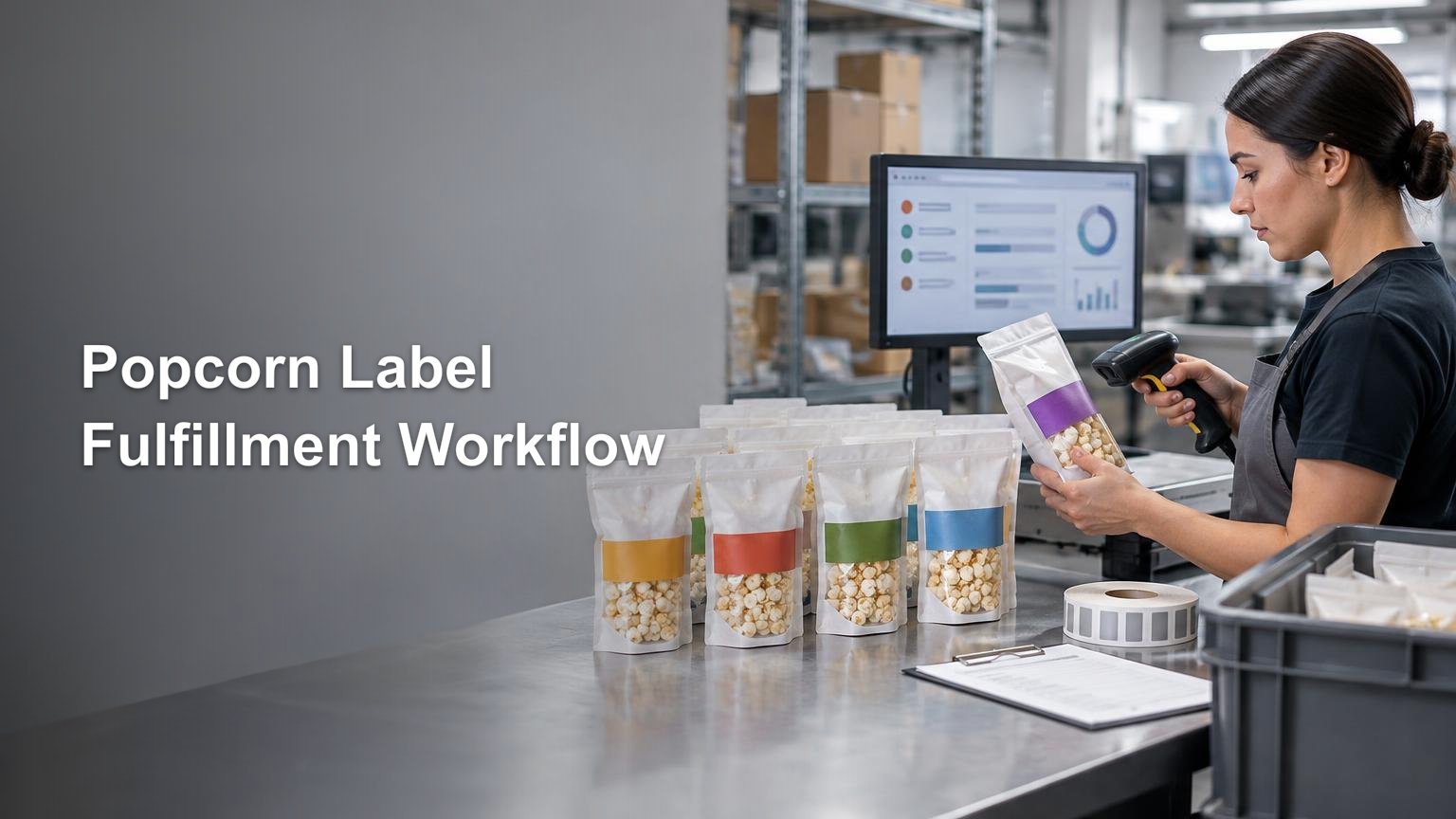
At the packing station, present the operator with a visual and data-based specification for the order. The record should show the expected popcorn SKU, flavor, net quantity, label revision, placement image, unit count, and required inserts. Scanning can reduce selection errors, but it should validate the controlled relationship rather than merely confirm that some barcode exists.
- Scan or verify the product SKU before label application.
- Confirm the physical label ID and current revision.
- Check flavor and net quantity against the order line.
- Inspect placement, orientation, adhesion, wrinkles, and readable copy.
- Test barcode readability where the channel requires a retail barcode.
- Verify unit count, gift-kit contents, inserts, and outer-package labels.
- Place uncertain units on hold instead of allowing an operator to improvise.
- Record recurring hold, scrap, and rework reasons for corrective action.
Sampling may be appropriate for stable, high-volume runs, but flavor changeovers and mixed kits deserve tighter checks. The first unit after a changeover should be compared with the new work instruction, and old labels should be removed from the immediate station before the next SKU begins.
Plan for the changes that cause label errors
Seasonal flavor launch
Create a new SKU and controlled label set for the seasonal flavor instead of modifying the name of an existing SKU. Give the artwork an effective date, validate the formula review, and set an end-of-season disposition for unused labels. This prevents seasonal stock from quietly becoming the default artwork for another product.
Wholesale and DTC configurations
A wholesale unit may need a retail barcode or channel-specific case marking while a DTC pouch does not. Maintain separate pack-out configurations even when the popcorn inside uses the same formula. That lets fulfillment choose the correct packaging components from the order channel without asking operators to remember exceptions.
Gift kits and variety packs
Treat the kit as a parent SKU with an approved bill of materials. Each inner package should retain the correct label for its own flavor, formula, and net quantity. The gift-box sticker identifies the collection; it should not erase the identity controls on the food packages inside.
What to specify when ordering packaging stickers
A complete purchase specification reduces proof cycles and makes replenishment safer. If you are ready to source custom packaging stickers, provide the supplier with production requirements rather than artwork alone. Available products, materials, finishes, prices, turnaround times, and suitability for the intended package should be verified when the order is placed.
- Finished label dimensions and shape
- Exact exterior package material and surface description
- Application method: hand, dispenser, or automated applicator
- Quantity by artwork version, not just the combined project quantity
- Roll or sheet format and required unwind direction
- Finish and handling expectations
- Whether any portion is intended to contact food
- Artwork files with stable IDs and revision numbers
- Variable data or barcode requirements
- Proof approval contact and acceptance process
- Packaging and carton identification for received label rolls
- Reorder point, lead-time assumption, and obsolete-stock procedure
CustomStickers.com states that it offers product and packaging stickers in multiple sizes and quantities with matte or gloss finishes, but those general options do not establish suitability for a specific food-contact, oily, refrigerated, or other demanding application. Confirm the current specification and intended use with the supplier before ordering.
Make the label record the source of truth
The strongest custom popcorn label workflow is a controlled chain: approved product data leads to approved artwork, approved artwork leads to identified label inventory, and identified inventory leads to a verified pack-out. Start by mapping every sellable SKU and assigning each label a stable ID. Then add the release checklist and packing-station verification before increasing order volume.
That structure gives the team a dependable answer when a recipe, package, flavor, sales channel, or barcode changes. Instead of asking which file looks current, the operator can see which revision is authorized for the exact product being packed—and place anything else on hold before it reaches a customer.
References
- Guidance for Industry: Food Labeling Guide | FDA
- www.fda.gov
- Guidance for Industry: Questions and Answers Regarding Food Allergen Labeling (Edition 5) | FDA
- Food Allergies | FDA
- Small Business Nutrition Labeling Exemption | FDA
- Food Packaging & Other Substances that Come in Contact with Food – Information for Consumers | FDA
- Barcode Placement & Printing Guidelines | GS1 US
- Custom Product and Label Stickers – CustomStickers.com